Free Online Image to Perler Beads Converter
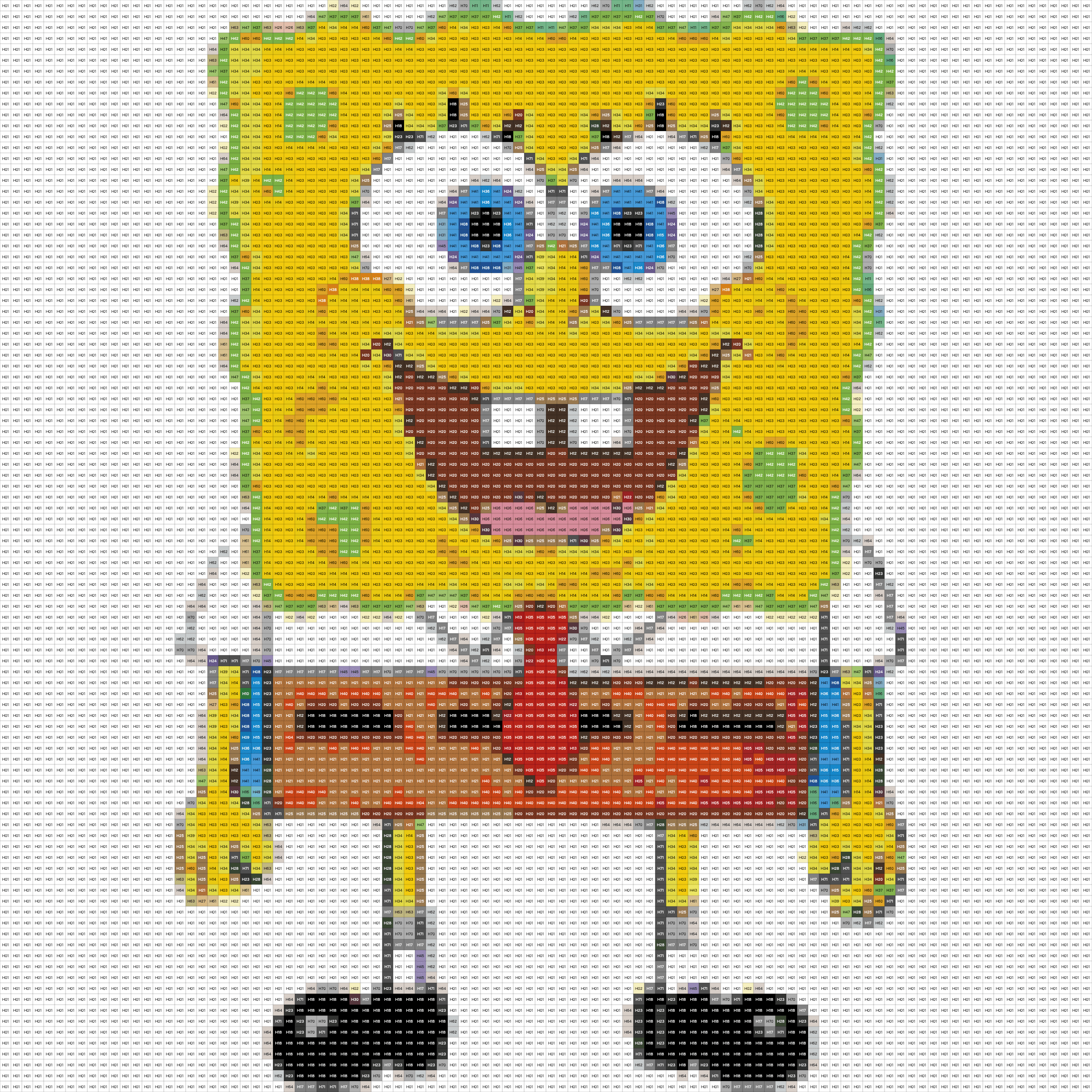
Free online image to Perler beads pattern converter. Convert any image into bead patterns with Perler, Hama, Artkal color palettes. No signup required - 100% free, private, with real-time editing and bead counting.
Free Online Image to Perler Beads Converter Tool Introduction
Transform your favorite images into stunning Perler bead patterns with our free online converter. Whether you're a seasoned crafter or just starting out, this powerful tool makes creating pixel art patterns effortless and fun.
Why choose our converter?
- 🎨 3 Official Color Palettes - Perler (67 colors), Hama (55 colors), and Artkal (159 colors) with accurate product codes
- ✏️ Built-in Pattern Editor - Fine-tune your design with brush, fill bucket, eraser, and eyedropper tools
- 📊 Smart Bead Calculator - Instantly see exact bead counts for each color
- 🔍 Flexible Grid Sizes - From 10×10 to 100×100, with preset pegboard sizes (29×29, 58×58, 87×87)
- 💾 High-Resolution Downloads - Export patterns with or without color codes and statistics
- 🔒 100% Private - All processing happens in your browser, no uploads required
Perfect for creating coasters, keychains, wall art, game characters, portraits, and more. Start crafting your masterpiece today!
Free Online Image to Perler Beads Converter User Guide
How to Create Your Pattern
- Upload Your Image - Drag & drop or click to browse. Supports JPG, PNG, GIF, WebP up to 10MB.
- Choose Your Palette - Select from Perler, Hama, or Artkal official color palettes.
- Adjust Grid Size - Use presets (29×29, 58×58, 87×87) or customize from 10-100 beads.
- Edit Your Pattern - Use brush, fill, eraser, and eyedropper tools to perfect your design.
- Download & Create - Export high-resolution patterns with color codes and bead counts.
Key Features
- Real-time Preview - See changes instantly as you adjust settings
- Color Code Display - Each bead shows its product code for easy shopping
- Undo/Redo Support - Never worry about mistakes
- Zoom & Pan - Navigate large patterns with ease
- Aspect Ratio Lock - Maintain proportions while resizing
- Statistics Modal - View detailed color usage breakdown
Pegboard Size Guide
- 29×29 - Standard single pegboard, great for beginners
- 58×58 - 4 pegboards combined, ideal for detailed designs
- 87×87 - 9 pegboards, perfect for large wall art
- Custom - Any size from 10×10 to 100×100
Pro Tips
- Use high-contrast images for best results
- Start with simple designs to learn the workflow
- Hover over beads to see color names and codes
- Download patterns with stats for shopping lists
- Use the eyedropper to match existing bead colors
Frequently Asked Questions
Related Tools
Free QR Code Generator Online
Free online QR code generator. Create custom QR codes for URLs, WiFi, text, contacts with logo. Download PNG, SVG. No signup - 100% free, unlimited, no watermark.
Free Online Barcode Generator
Free online barcode generator. Create EAN-13, UPC, Code128, Code39 barcodes instantly. No signup - 100% free, no watermark, unlimited generations.
Free Online Screen Color Picker - Eyedropper Tool
Free online screen color picker with eyedropper tool. Pick colors from anywhere on your screen and get HEX, RGB, HSL codes instantly. No signup required - 100% free, private, and works offline.
Free Online Image to Base64 Converter
Free online image to Base64 converter. Convert images to Base64 and Base64 to images instantly. No signup required - 100% free, private, and works offline. Perfect for HTML/CSS embedding and data URIs.
Free Online Photo Book Maker - Create Albums Instantly
Free online photo book maker. Create stunning photo albums in minutes with drag & drop editing. No signup required - 100% free, private, export print-ready PDF.